


Noodlespin Mobile App
Account access on mobile occurs through a specific technical setup within the Noodlespin app. Using the PWA format eliminates heavy file downloads and manual update tasks on your hardware. Every title and account tool from the desktop site remains available in an interface built for mobile betting on small displays.



Why Choose the Mobile Version?
Handheld hardware changes site navigation for every member. Technical data defines the Noodlespin app environment:
- No missing features. Every bonus and account tool found on the desktop version stays available in the Noodlespin app.
- Dynamic scaling. Menus and buttons resize themselves for smaller displays to support mobile slots and live tables.
- Memory savings. The platform is a Progressive Web App so the PWA takes up very little storage and updates in the background.
- Instant access. Users can reach the lobby and the mobile betting area from any place with a stable connection.
- Live syncing. Account details and balance data stay updated as players move between a computer and a phone.
- Visual constraints. A smaller screen doesn’t offer as much room for complex data or multiple tabs as a PC. But the mobile version also has similar features for mobile gambling with faster access.
Interface and Performance
The Noodlespin app maintains visual consistency with our desktop platform. Profile settings and gaming categories reside in familiar positions. Our search tool identifies specific titles to remove manual scrolling across pages.
Software design for the Noodlespin app prioritizes touchscreen interaction. Every menu and button resizes automatically for your specific screen resolution. Movement between mobile slots and the cashier happens without technical lag. Our Noodlespin casino app gathers all profile utilities in a single hub. Members check their bankroll or talk to our staff using direct commands.
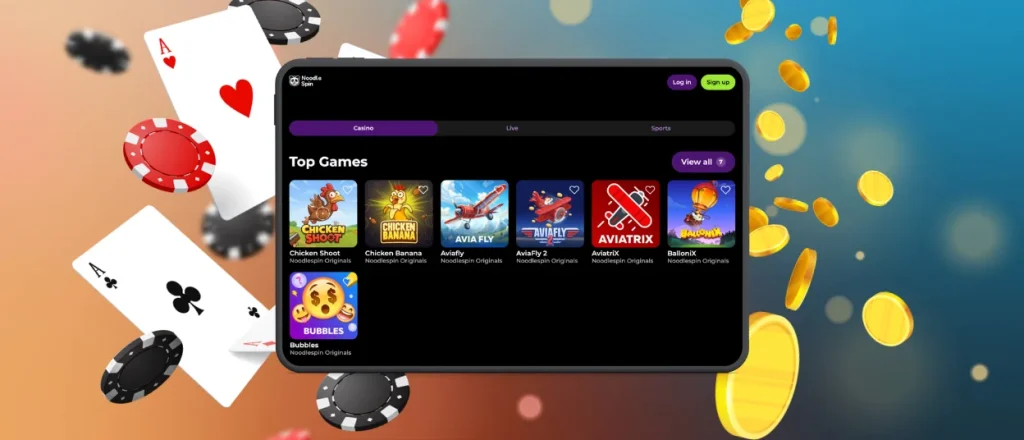
Mobile Application for Android and iOS
The Noodlespin app is a Progressive Web App for all mobile users. Using the official site for your Noodlespin app download makes the setup identical for the Android app and the iOS app.
| Feature | Android | iOS |
| Installation | Open the site in Chrome, then tap the three-dot menu and select “Add to Home Screen” followed by Add. | Open the site in Safari, then tap the Share button and choose Add to Home Screen, followed by Add. |
| Launch Method | Open the shortcut from the home screen or the application drawer. | Start the Noodle Spin app from the home screen like any other software. |
| Updates | The PWA updates automatically during every connection to the server. | The latest software version loads automatically without manual steps. |
| Storage Usage | This version uses less space than a traditional Android app due to the absence of a large installation file. | Memory usage remains low because the iOS app functions as a Progressive Web App. |
| Downloads | There is no requirement for a dedicated installer or an APK file from third-party sites. | Installation occurs through Safari without using the App Store. |
| Main Features | Access to mobile slots along with mobile betting and full account settings. | Identical game library and wallet along with profile management tools. |
| Desktop Access | Chrome users create a shortcut by opening the three-dot menu and selecting Cast, Save, and Share, then Create Shortcut. | Shortcuts are available through Chrome on Windows and macOS using the same steps. |
The Noodlespin download app process stays browser-based, so users can complete setup without searching through app stores or downloading a separate installer.
Noodlespin APK
Using the PWA technology eliminates the need to download an APK file or manage software updates manually. If you add the site to your home screen, this Noodlespin app delivery method allows the latest version to remain available for use whenever you need it. This system also removes the requirement to search for files on third-party websites.
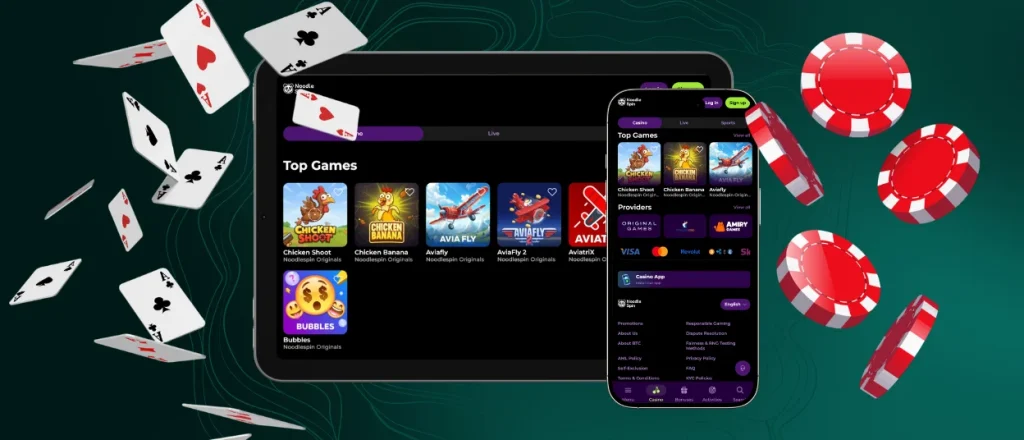
Noodlespin Desktop Experience
The desktop version provides a large display area for navigating the game lobby along with mobile betting markets and account management tools. High-resolution screens allow several pages to stay open during a single session. The Noodlespin app utilizes a shared account profile across every device. Your balance, along with active rewards and history, remains synchronized when you move between a computer and the mobile software. This session is completed through the official website for those who choose to use a smartphone.
FAQ
Can I find the Noodlespin APK in Google Play?
Google Play does not host the Noodlespin app. Android and iOS users share a single build that requires less storage space than typical mobile software. This specific format offers high security and removes the need to visit any third-party stores. Every part of the setup happens on our official website.
Does the platform include customer support?
Help options are built into the Noodlespin app to mirror the desktop experience. Accessing the help section provides a way to start a live chat or use a contact form without leaving the account.
How is the mobile casino different from the desktop version?
Every game and payment tool remains present in the mobile casino through a touchscreen layout. With the desktop setup you get a bigger display area and the software allows playing games away from a computer.
Can the app send push notifications?
Granting permission for notifications allows the device to receive push updates. The Noodle Spin app delivers details on rewards along with tournament info and account events. Control for these alerts is located within the mobile device settings menu.


